 The Automation Nomad inc
Plan an AI visit
Demos from the field · AI from earth
Old interfaces, upgraded.
Machines, buildings, dashboards and legacy software: you keep what you own, and we give it the interface you need. Calm, clear, on your own hardware.
Simulation · sample data. Every demo here runs in your browser. Nothing connects to a real machine, building, camera or account. As we finish projects in the field, anonymised examples join this gallery, only with the client's permission.
6 demos
-
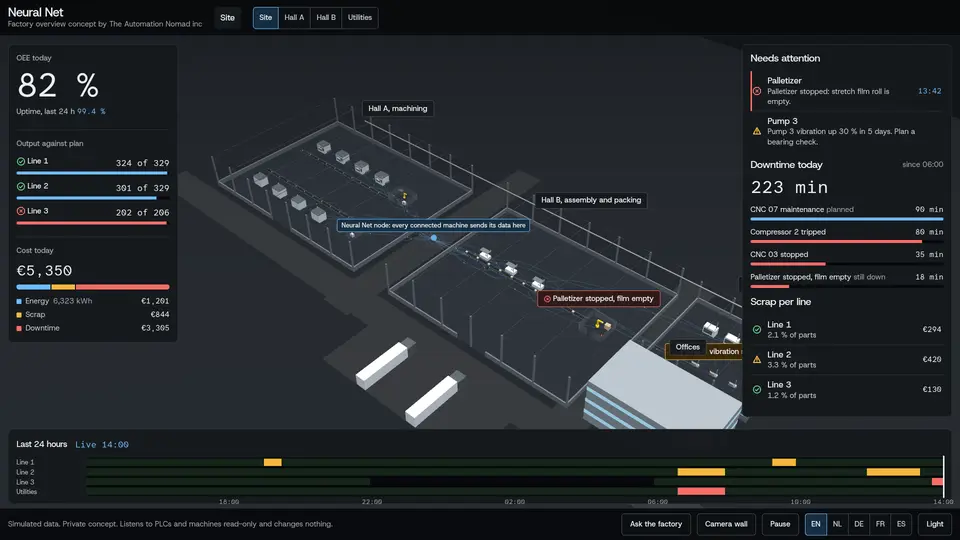
Factory overview
Machines, PLCs and cameras → one live management view
A whole sample plant in one live 3D view. Downtime, scrap and the cost of today at a glance; tap a hall, a line or a machine to go deeper; replay the last 24 hours; four close-ups: a robot cell jam, a short circuit in a cabinet, a motor bearing running hot, a night watch.
Languages: EN · NL · DE · FR · ES Best on: Desktop or tablet
Open the demo →: Factory overview -
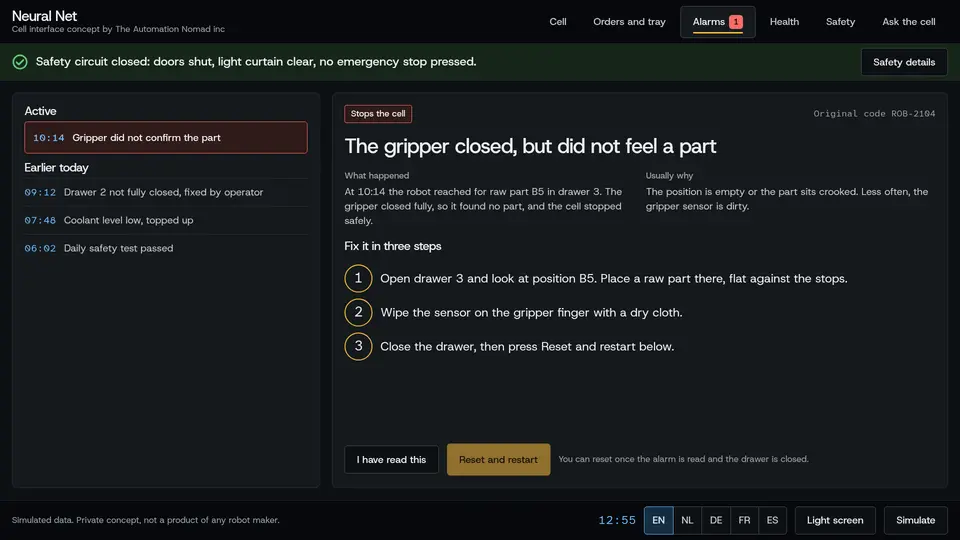
Robot cell interface
An old operator panel → a calm screen anyone can read
A new operator screen for a robot cell that loads CNC machines: what the robot is doing now, when the tray runs empty, alarms in plain language with the steps to fix them, machine health, safety status, and a box to ask the cell a question. Switch situations live with Simulate.
Languages: EN · NL · DE · FR · ES Best on: Desktop, tablet or a panel screen
Open the demo →: Robot cell interface -
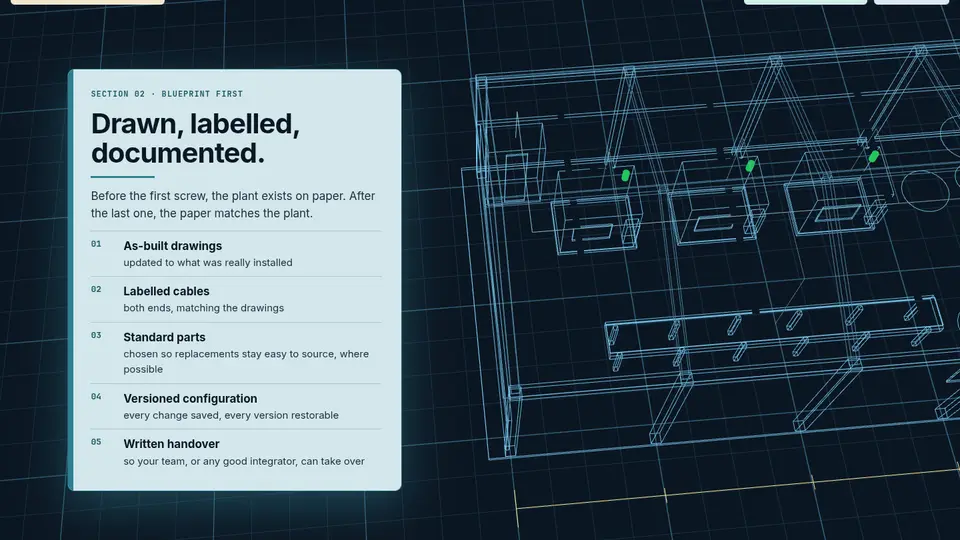
Plant from blueprint to live
Paper drawings and separate systems → one living model
A sample plant drawn as a blueprint, then built solid. Signals pulse from each machine to one node; agents on duty only notify; a commissioning sweep checks every connection; cut the internet and it keeps running locally.
Languages: EN Best on: Desktop
Open the scene ↗: Plant from blueprint to live -
3D twin of a building
Scattered cameras and floor plans → one 3D twin
A sample building mapped with cameras and drones into a 3D twin. Camera views sit in their real place, a thermal camera flags unusual heat early, and the system only notifies: a person decides what to do.
Languages: EN Best on: Desktop
Open the scene ↗: 3D twin of a building -
Estate and facility overview
Spreadsheets, e-mails and old dashboards → one morning brief
A sample estate with several buildings, crews and suppliers in one private view: the morning brief lists what needs a decision, and work orders and approvals are prepared for the manager to confirm.
Languages: EN Best on: Desktop
Open the scene ↗: Estate and facility overview -
Home and office protection
Default routers and forgotten gadgets → a checked, private network
A sample house behind a filtered local Wi-Fi: guests on their own network, known trackers and harmful sites blocked, security updates tested before they are applied, and AI guardians watching over it.
Languages: EN Best on: Desktop
Open the scene ↗: Home and office protection
Bring us your old interface
- 1 · The AI visitWe come on site (or meet by video) and look at the machines, systems and screens you work with today.
- 2 · Listen firstRead-only connections come first: we map how your equipment talks, and change nothing until you agree.
- 3 · Your new interfaceOne calm view, designed for the people who use it, running on hardware you own. Scope is confirmed per project.
Plan an AI visit A personal reply with a few questions and possible dates. No obligation.